How group orders work
A group order lets your whole chapter wear the same outfit, with each lady ordering her own size. It takes a few minutes to set up and there are no accounts or passwords.
If you're leading the order
Choose the style
Browse the styles and pick one for your chapter.
Choose the color and options
Pick a color from the style's color card and options such as sleeve length or a matching skirt. You'll see the price per lady as you go.
Tell us about your chapter
Your chapter name, the occasion, the event date and the last day for ladies to reserve.
Share your chapter's link
You'll get a link to send by email or text. You'll also get a private page where you can see who has reserved, add sizes for ladies who call you, and close the order.
If you're a lady in the chapter
Open the link
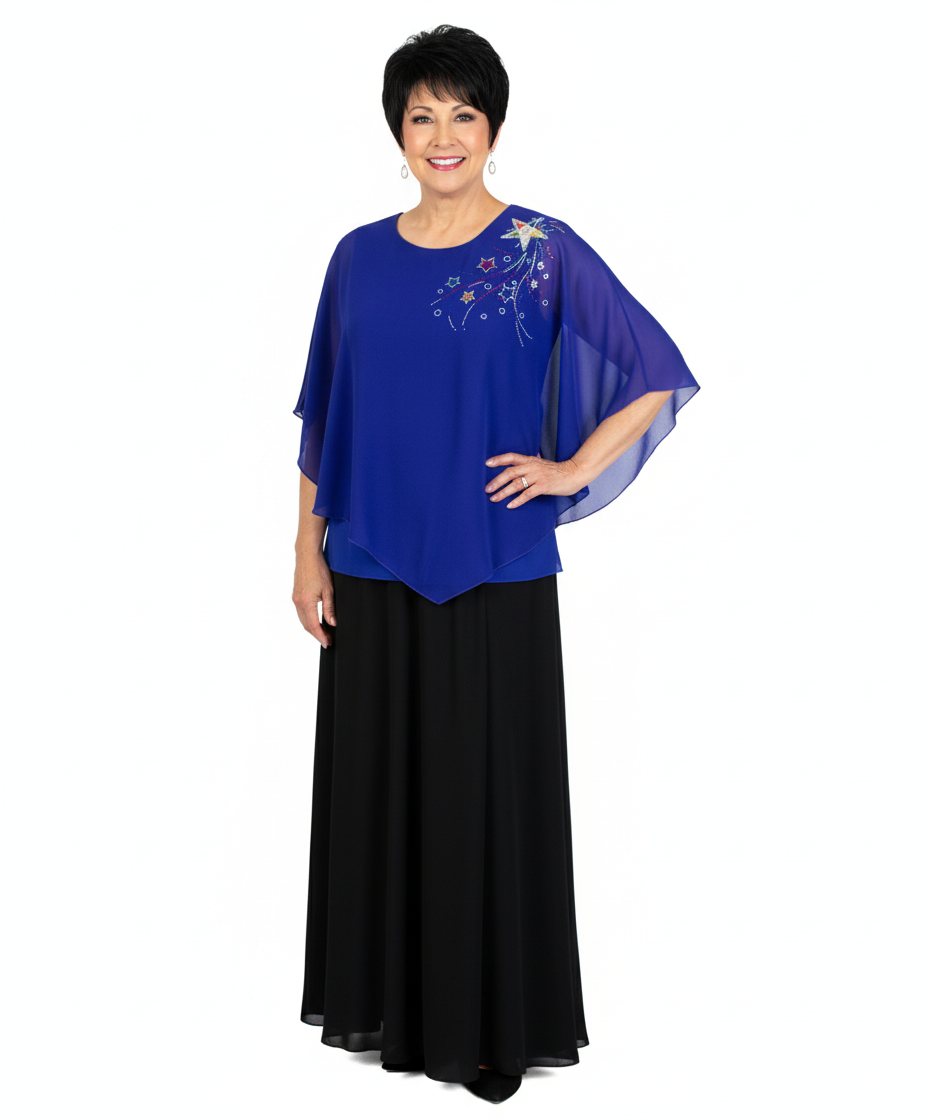
Open the link your chapter shared. You'll see the outfit that was chosen.
Add your size
Enter your name, email and size. Check the size guide first, and add a note if you're between sizes.
That's it
No payment today. We'll send payment details when your chapter's order is confirmed.
Good to know
- Group orders start at 13 pieces. Most chapters order between 13 and 18.
- Choose a reservation deadline that leaves plenty of time before your event. We'll check the timing with you.
- Ladies see only first names and how many have reserved. Sizes and contact details stay private.
- Before the order is placed, we confirm the final price per lady with you.
- Prefer to talk it through? Call 888-526-6418. We can also arrange an online meeting to show styles to your group.